
Complete IPTV Installation & Configuration Guide for Canada
A clear, step-by-step tutorial explaining how to configure your subscription credentials using both Xtream Codes API and M3U playlist URLs across all supported applications.
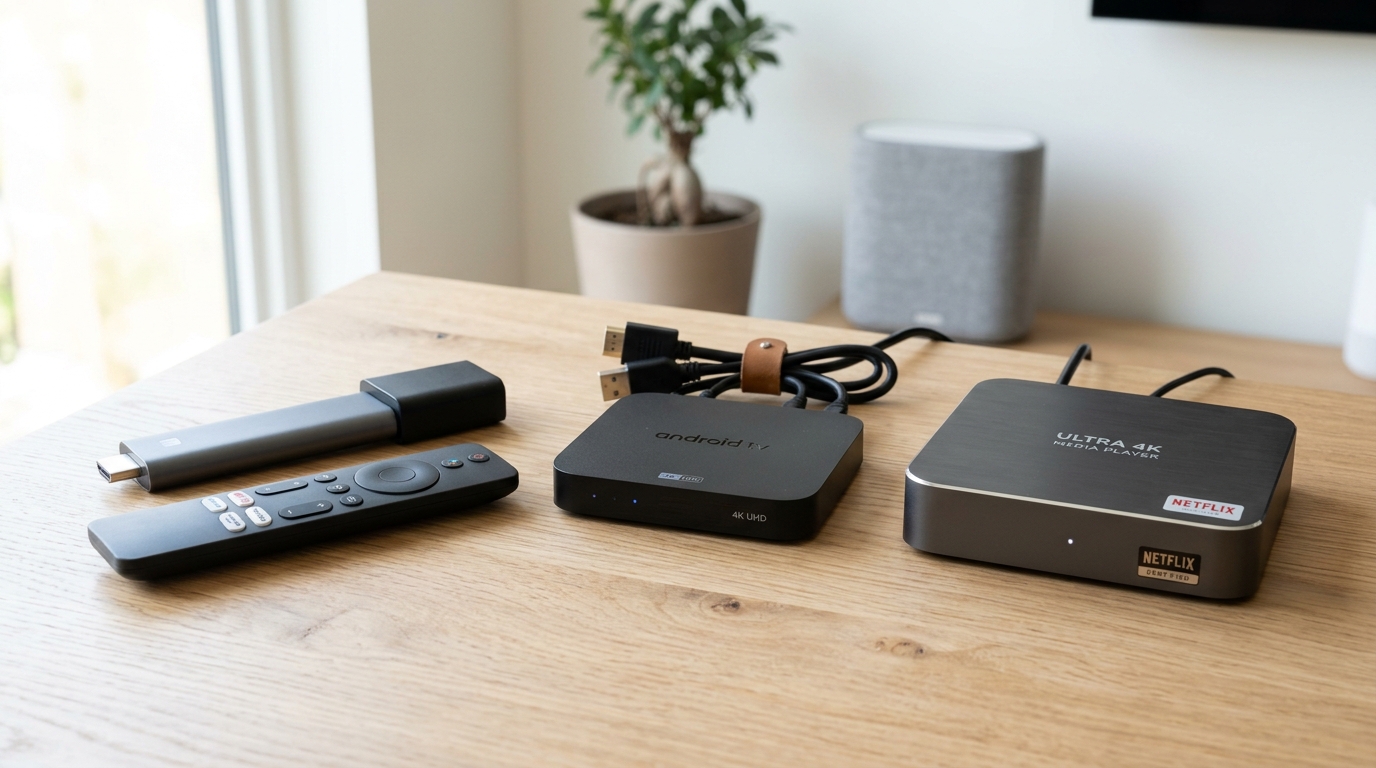
Real Customer Reviews & WhatsApp Confirmations
No fabricated claims or stock testimonials. Real, unedited WhatsApp screenshots from active subscribers across Montreal, Quebec, Toronto, and Vancouver.
Client Canada 173
Montreal & Quebec City, QC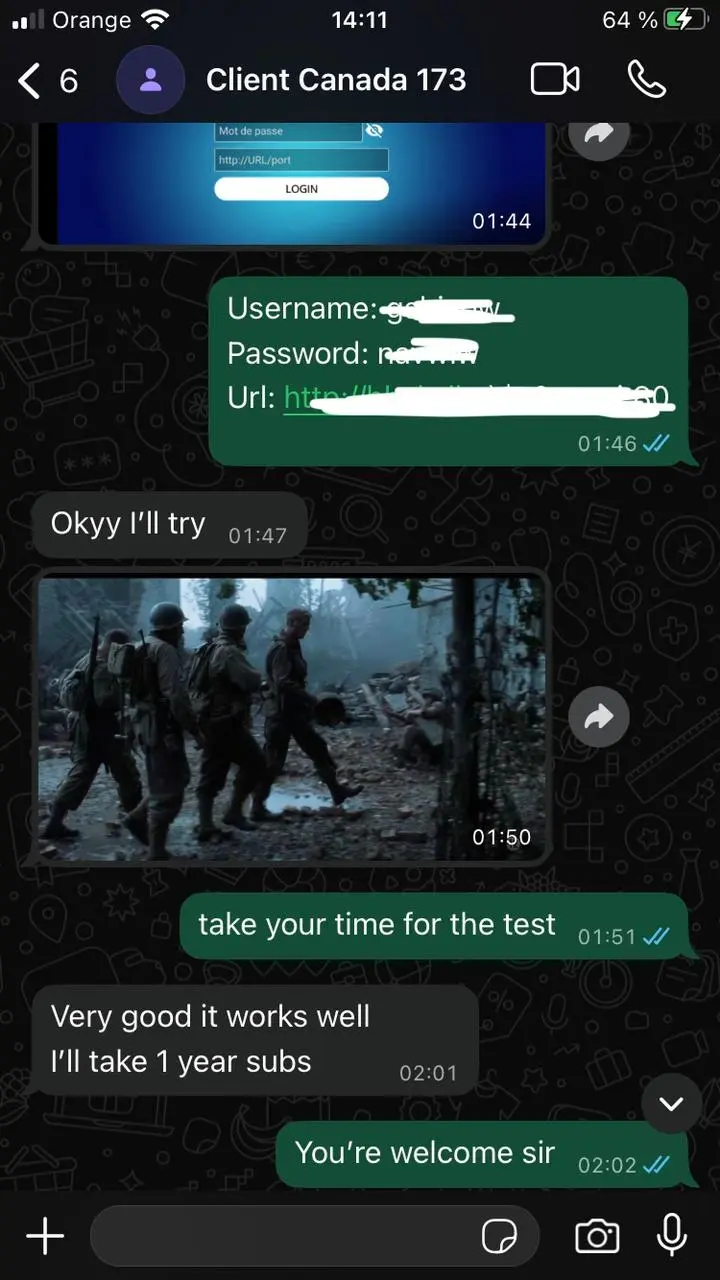
"Very good it works well I'll take 1 year subs"
Canadian Firestick User
Toronto, ON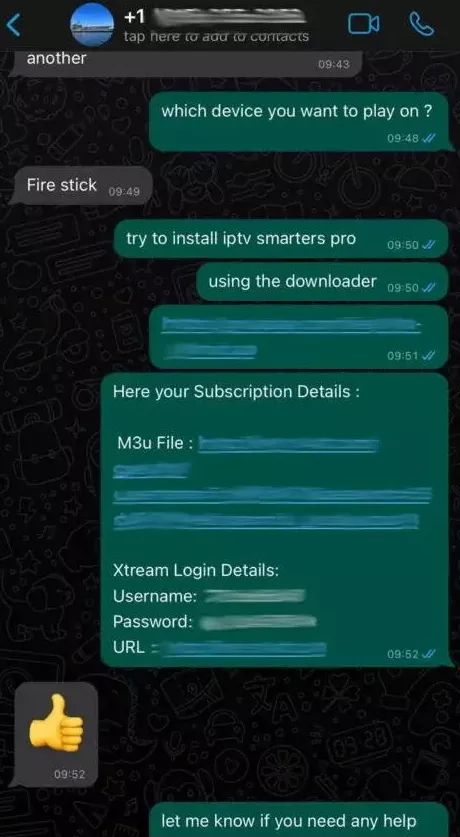
"Here your Subscription Details... Fire stick setup with IPTV Smarters Pro 👍"
Subscriber from British Columbia
Vancouver, BC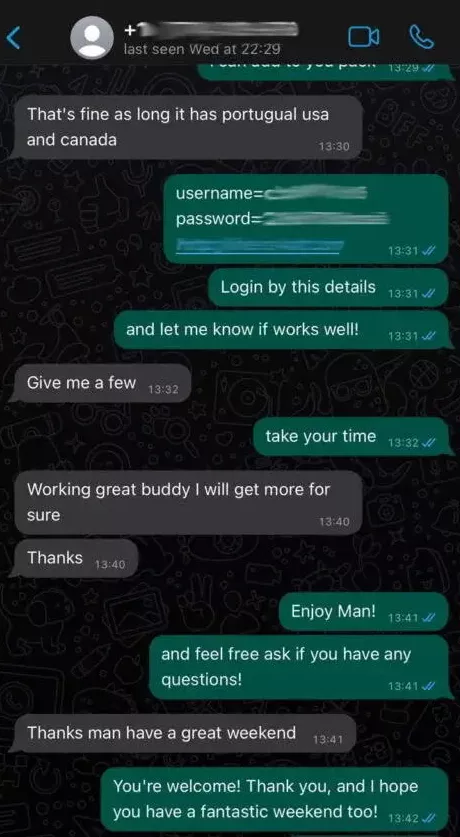
"Working great buddy I will get more for sure. Thanks man have a great weekend!"
Canada Client 114
Gatineau & Ottawa Region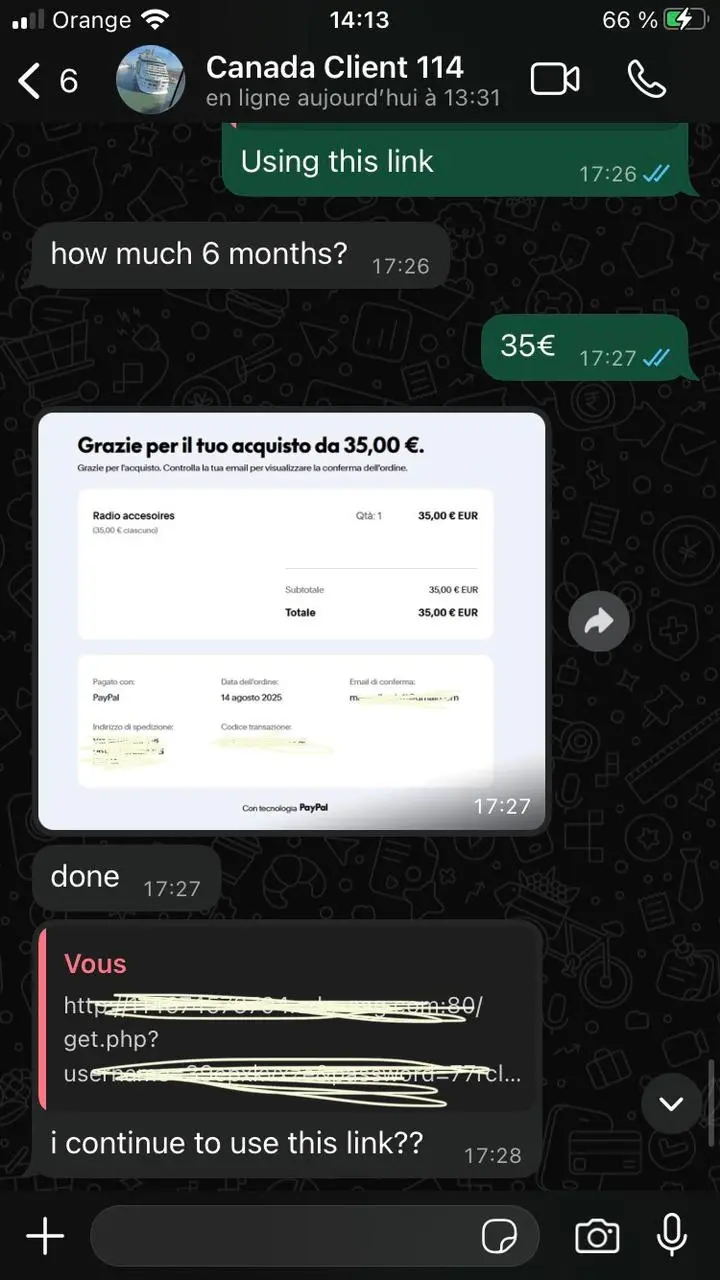
"Payment confirmed, done! I continue to use this link? Fast and simple renewal."
Client Région de Laval
Laval, QC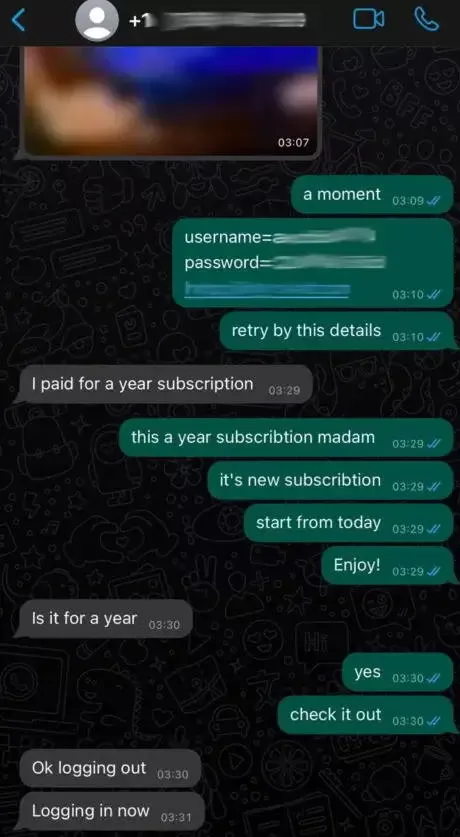
"I paid for a year subscription... start from today, Enjoy! Ok logging in now"
Abonné John - Western Canada
Calgary & Edmonton, AB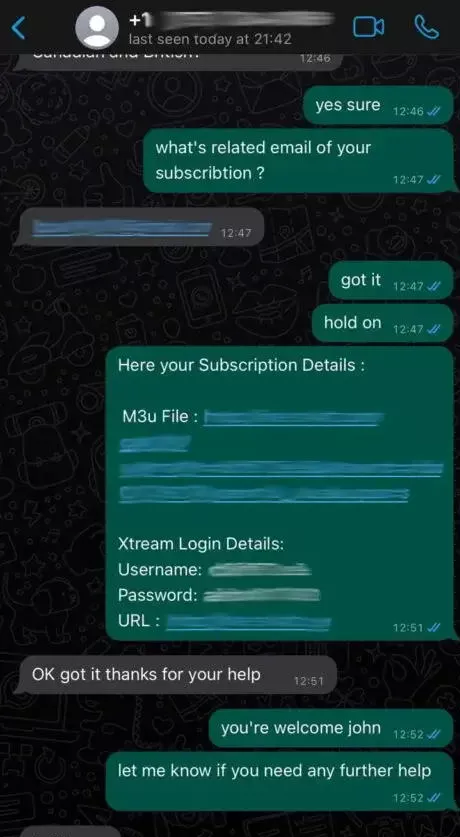
"M3u & Xtream Login delivered... OK got it thanks for your help!"
Client Canada 173
Montreal & Quebec City, QC"Very good it works well I'll take 1 year subs"
Canadian Firestick User
Toronto, ON"Here your Subscription Details... Fire stick setup with IPTV Smarters Pro 👍"
Subscriber from British Columbia
Vancouver, BC"Working great buddy I will get more for sure. Thanks man have a great weekend!"
Canada Client 114
Gatineau & Ottawa Region"Payment confirmed, done! I continue to use this link? Fast and simple renewal."
Client Région de Laval
Laval, QC"I paid for a year subscription... start from today, Enjoy! Ok logging in now"
Abonné John - Western Canada
Calgary & Edmonton, AB"M3u & Xtream Login delivered... OK got it thanks for your help!"
Client Canada 173
Montreal & Quebec City, QC"Very good it works well I'll take 1 year subs"
Canadian Firestick User
Toronto, ON"Here your Subscription Details... Fire stick setup with IPTV Smarters Pro 👍"
Subscriber from British Columbia
Vancouver, BC"Working great buddy I will get more for sure. Thanks man have a great weekend!"
Canada Client 114
Gatineau & Ottawa Region"Payment confirmed, done! I continue to use this link? Fast and simple renewal."
Client Région de Laval
Laval, QC"I paid for a year subscription... start from today, Enjoy! Ok logging in now"
Abonné John - Western Canada
Calgary & Edmonton, AB"M3u & Xtream Login delivered... OK got it thanks for your help!"
Xtream Codes API vs. M3U Playlist: Which Should You Use?
Understanding the two primary methods of loading your channels
When you subscribe to IPTV Canada 4K, your confirmation email contains two distinct sets of credentials: an Xtream Codes API login (consisting of Server Portal URL, Username, and Password) and an M3U Plus URL playlist link.
We strongly recommend using the Xtream Codes API method whenever your application supports it (such as TiviMate, IPTV Smarters, or XCIPTV). The Xtream Codes API establishes a structured database connection that separates Live TV, Movies (VOD), and Series into organized categories, and automatically syncs EPG program guides and channel logos without having to download a large multi-megabyte M3U file.
Step-by-Step Xtream Codes API Setup Walkthrough
The quickest and most stable connection method
Step 1: Open your installed IPTV player (e.g., TiviMate, IPTV Smarters Pro).
Step 2: Click "Add Playlist" or "Add User" and select "Xtream Codes API" (or "Login with Xtream Codes").
Step 3: In the "Any Name" field, enter a recognizable label such as "IPTV Canada 4K".
Step 4: Enter the exact Server Portal URL provided in your welcome email (ensure you include "http://" and the designated port number without trailing slashes).
Step 5: Enter your unique Username and Password accurately (both are case-sensitive).
Step 6: Click "Add User" or "Done". The app will download channel categories, VOD content, and the live EPG timeline.
Clear Answers for Canadian Viewers
Authentic, fact-checked answers addressing setup, ISP compatibility, and channel access.